Quick answer
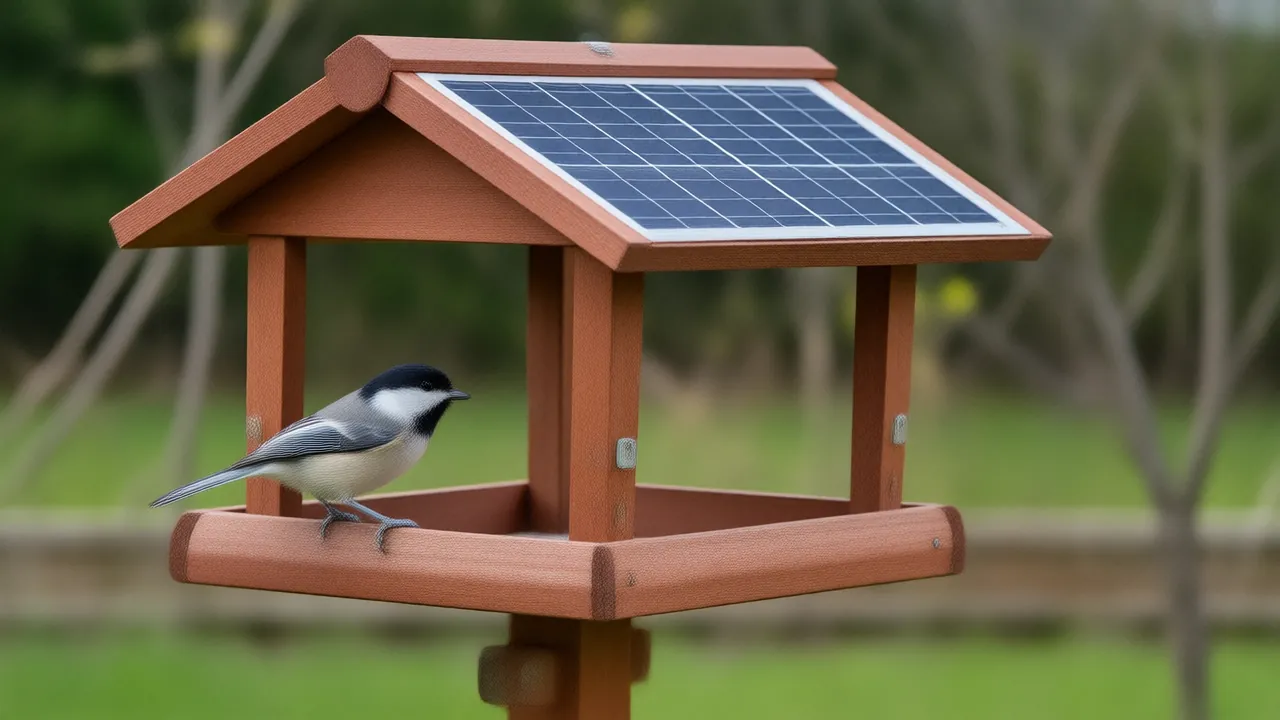
A bird feeder camera sleeps most of the time to save power. When a bird lands, a motion sensor wakes it and the camera records a short clip, which it saves to a memory card or sends over your home WiFi to the maker's servers. The app then sends an alert to your phone. A solar panel keeps the battery charged.
In this guide
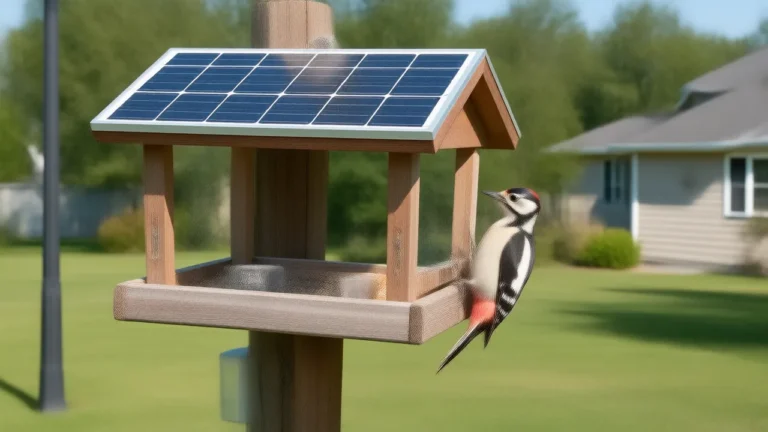
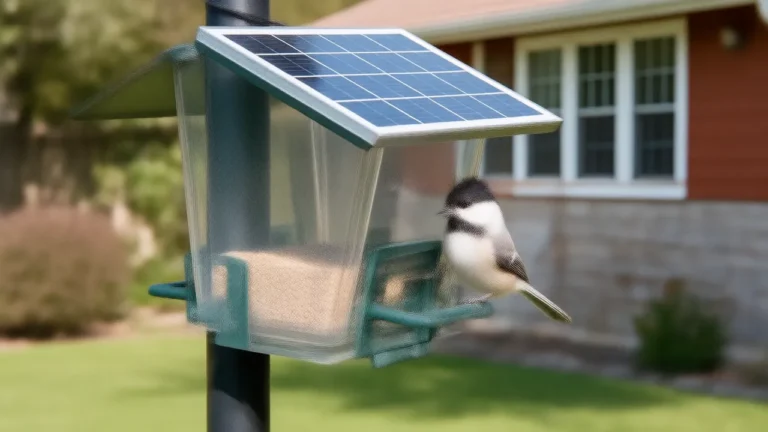
A bird feeder camera is a small battery-powered camera built into a feeder and aimed at the perch from a few inches away. It spends most of the day asleep. When a bird lands, a motion sensor wakes it, the camera records a short clip, the clip travels over your home WiFi, and your phone gets an alert. A solar panel on the roof keeps the battery topped up so the feeder can stay outside.
Every link in that chain can be the weak one, which is why it helps to know what each part does. Here is the path from wingbeat to notification, and what to check when something along it goes quiet.
Key facts
- A 2.4 GHz Wi-Fi signal generally covers a broader range than 5 GHz, but moves data less quickly. (Source: FCC, checked )
- Tufted Titmice take one seed per trip from a feeder and carry large seeds to a perch to crack them open. (Source: Cornell Lab – All About Birds, checked )
- A wide variety of feeder birds eat black-oil sunflower seed. (Source: Cornell Lab – Project FeederWatch, checked )
The chain from landing to alert
- Standby. The camera sits in a low-power sleep. Nothing is recording and nothing is being sent.
- Trigger. A bird lands on the perch or tray. The motion sensor notices the change and wakes the camera.
- Recording. The camera powers up and records a clip, either for a set number of seconds or for as long as the movement continues.
- Upload or save. The clip goes over WiFi to the maker's servers (the cloud), or onto a microSD card inside the housing, depending on the model and your settings.
- Alert. The app on your phone receives a push notification. Tap it to see the clip, or open live view to watch what is happening right now.
- Back to sleep. After a short pause the camera returns to standby and waits for the next visitor.
On a good connection the whole trip takes seconds. When alerts arrive late, the delay is usually in step four: a weak WiFi signal at the feeder slows every upload.
The parts, one by one
| Part | What it does | What affects it |
|---|---|---|
| Solar panel | Tops up the battery in daylight | Hours of direct sun, shade, snow, dust, panel angle |
| Rechargeable battery | Runs everything, day and night | Cold weather, how many clips a day, WiFi strength |
| Motion sensor | Wakes the camera when something moves | Sensitivity setting, sun on moving leaves, squirrels |
| Camera and lens | Records clips and live video | Smudges, raindrops, backlight, where the bird sits |
| WiFi radio | Sends clips and live video to the internet | Distance to the router, walls, coated windows |
| Phone app | Shows alerts, clips, live view and settings | Phone notification settings, plan features |
Solar panel and battery
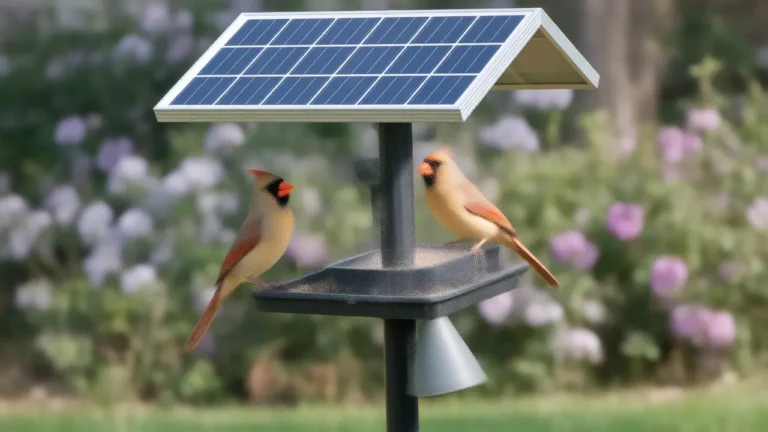
The panel on the roof of the feeder turns sunlight into a trickle of charge for a rechargeable battery. The battery does the real work, which is why the camera keeps running at night and through a cloudy day. A panel only helps if it sees direct sun for a good part of the day; a feeder in full shade will slowly run down even with a panel on top.
Winter is the hard season. Short days, a low sun and snow on the panel can mean an occasional top-up from a USB cable. Cold also slows batteries, so a camera may run for less time between charges during a hard freeze. That is battery chemistry, not a fault.
Motion sensor
Feeder cameras use one of two ways to decide something has arrived, and many combine them. A passive infrared (PIR) sensor reacts to a warm body moving in front of it, which suits birds and squirrels. Other cameras watch the picture itself and wake when enough of it changes. A sensitivity setting in the app controls how easily either one fires: set it too high and swaying leaves or passing shadows set it off; set it too low and a small chickadee can slip in and out without a clip.
Camera and lens
The lens sits a few inches from the perch and is focused close. That is why feeder cameras can show an eye ring or the barring on a wing feather that a phone across the yard never could, and also why a bird on the far edge of a tray can look soft. A clean lens matters more than almost any setting. Pollen, rain spots and a smear from a curious squirrel all blur the picture.
WiFi and the app
The camera joins your home network like any other smart device. Many outdoor battery cameras connect only on the 2.4 GHz band, which travels farther and passes through walls better than 5 GHz. The app is where you watch live, receive alerts, adjust sensitivity and find saved clips.
Live view versus motion clips
These are two different modes, and it helps to know which one you are using.
- Motion clips are recorded only when the sensor fires. They are short, they are what triggers the alert, and they make up your history of visits. This mode is easy on the battery because the camera sleeps between visitors.
- Live view is what you see when you open the app and tap to watch. The camera wakes and streams in real time for as long as you keep watching. It is perfect for checking who is at the feeder right now, and it uses far more power than clips, so long sessions on a gray day add up.
If the battery runs down faster than expected, look first at how often live view is being opened, including by family members you have shared the camera with.
Where AI bird identification fits
Some cameras suggest which species is in a clip. Image-recognition software compares the bird in the frame against a large set of labeled bird photos and returns its best guess, often with a confidence score. On many cameras this runs on the maker's servers rather than inside the feeder, which is why identification usually depends on WiFi and, on some models, on a cloud subscription.
Identification works best on a bird sitting still, side-on, in good light. It struggles with birds seen from behind, with females and juveniles that look alike across species, and with quick grab-and-go visits. Treat the name as a strong hint rather than a final answer. There is more on what the software is looking at in how AI bird identification works.
Saving clips: cloud or memory card
Before you buy, check where clips are kept. Some cameras upload them to cloud storage that comes with a subscription. Others save them to a microSD card inside the housing, which you can read later without a monthly plan. Many offer both. On most models alerts and live view work either way; it is the saved history and extras such as identification that differ. The trade-offs are laid out in SD card or cloud storage for a bird feeder camera.
Why a camera misses birds or sends empty alerts
Missed visits
- Wake-up lag. A sleeping camera needs a moment to start recording, so a bird that snatches one seed and leaves may be gone before the clip begins. Chickadees and titmice do exactly that, flying off to open each seed elsewhere. Finches and cardinals crack seeds on the perch and give the camera more time.
- Sensitivity set too low. Small birds give the sensor less to react to.
- Weak WiFi. The clip records but uploads late, or not at all.
- Low battery. Many cameras cut back on recording when power runs low.
Alerts with no bird in them
- Sun and shadow sliding across the perch, especially on a windy day with branches nearby.
- The feeder itself swinging on its hook.
- Squirrels, chipmunks and insects close to the lens.
- Heavy rain and blowing snow.
Turning sensitivity down one step, steadying the feeder, and trimming a branch that swings into view fixes most of these. The settings are explained in more depth in bird feeder camera motion detection.
Setting one up so the whole chain works
Most camera problems trace back to setup rather than hardware. Work through these in order:
- Test WiFi at the exact spot. Stand where the feeder will hang, turn off your phone's cellular data and play a video. If it stutters there, the camera will struggle too. Does a bird feeder camera need WiFi? covers what to do about a weak signal.
- Find sun for the panel. Pick a spot with several hours of direct sun. The details are in solar panel placement for a feeder camera.
- Charge fully before mounting. Start with a full battery instead of asking the panel to fill it from empty.
- Keep the sun behind the camera. A lens facing into morning or afternoon sun turns birds into silhouettes. In the US, a camera that looks roughly north has the sun behind it for most of the day.
- Start with sensitivity in the middle, then adjust after a few days of alerts.
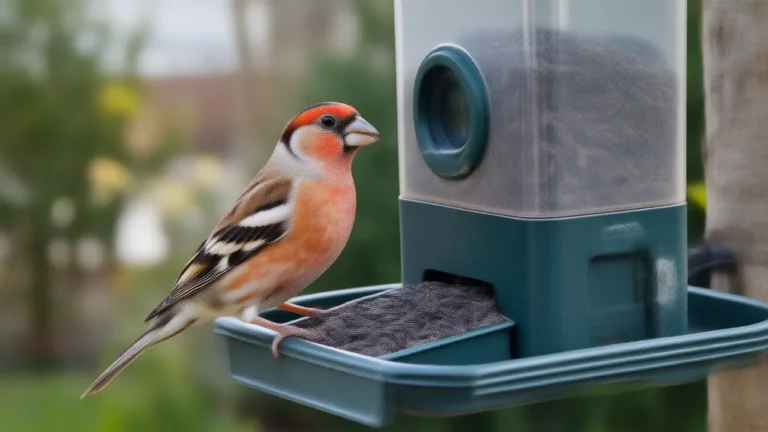
- Give the birds time. A new feeder can take anywhere from a few days to a couple of weeks to become part of the local birds' routine. Fill it with black oil sunflower, which most seed-eating feeder birds will take.
Questions people ask
Do bird feeder cameras record all the time?
Most do not. They sleep between visits and record only when motion wakes them, which saves battery. Live view streams only while you are watching it in the app.
Can you watch a bird feeder camera on your phone?
Yes. The maker's app shows alerts when a bird lands and lets you open live view over WiFi. Saved clips appear in the app if they are stored in the cloud, or on the memory card if the camera records locally.
Do bird feeder cameras work at night?
Feeder birds eat in daylight, so that is when the action is. Some cameras add infrared night vision, which mostly records night visitors such as raccoons, mice and flying squirrels.
Does a solar bird feeder camera ever need charging?
It can. In long cloudy spells, in heavy shade, or in winter when days are short and snow covers the panel, an occasional USB top-up is normal.
Why do some alerts show no bird?
Moving shadows, a feeder swinging in wind, leaves near the lens, or a bird that left before recording started. Lower the sensitivity one step and steady the feeder.
Written by the Backyard Birdcam team with AI assistance. Found something we got wrong? Email shop@smarternewsnow.com and we will fix it. How we write our guides.